
.svg)
.svg)
.svg)


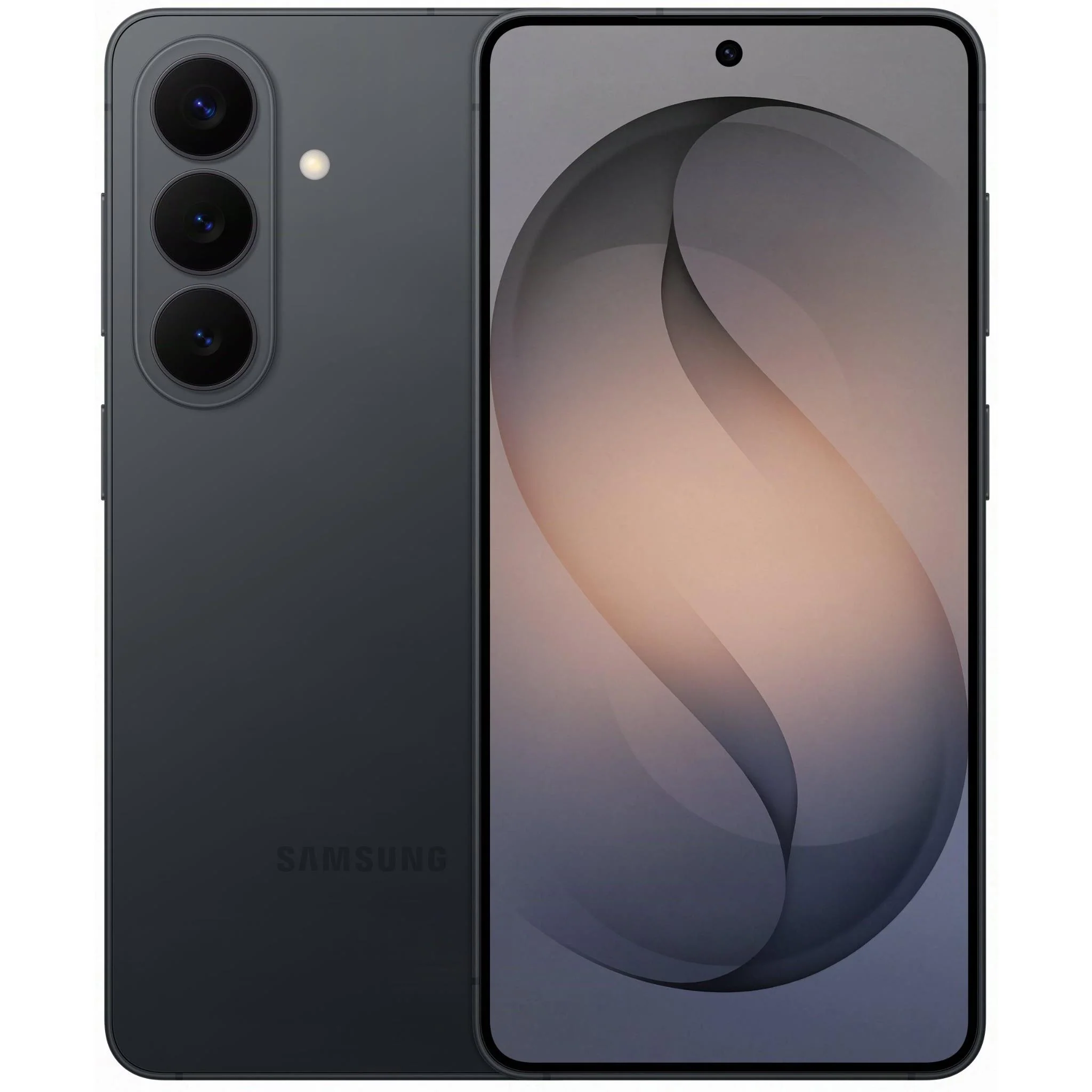


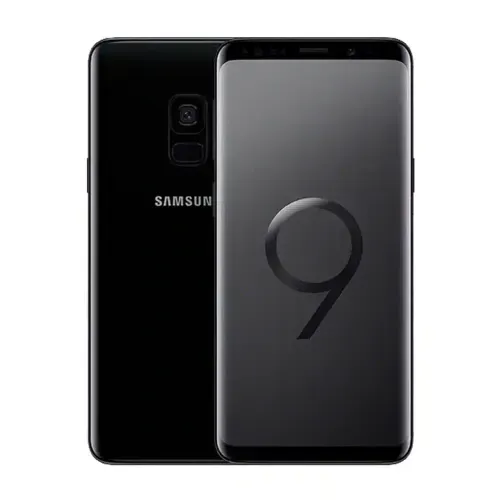


Trade in & sell your Samsung Phone
How do I trade in or sell my Samsung Phone? Simply follow these steps:
- From the Mobile Monster homepage, enter the model of your device.
- Select the condition of your device, from As New, Working or Dead.
- If you have selected ‘working’ condition, let us know of any faults.
- We will offer you a price for your phone.
- Provide your contact details.
- We will send you an Australia Post mailbag.
- Send us your phone.
- We test your phone to check if the description matches what you entered.
- We send you money for your device/s.
What Samsung Phone Models Can I Trade In?
There are currently several models on offer for Samsung phone trade-in or sale, including:
- Galaxy S23 FE 128G
- Galaxy S23 256GB 512GB 1TB
- Galaxy S23 Ultra 256GB 512GB 1TB
- Galaxy S23 Plus 256GB 512GB
- Galaxy S22 Ultra 5G 128GB 256GB 512GB 1TB
- Galaxy S22 Plus 128GB 256GB
- Galaxy S22 128GB 256B
- Galaxy S21 Ultra 5G 128GB 256GB 512GB
- Galaxy S21 FE 5G 128GB 256GB
- Galaxy S21 Plus 5G 128GB 256GB
- Galaxy S21 5G 128GB 256GB
- Galaxy S20 Plus 5G 128GB 512GB
- Galaxy S20 Ultra 5G 128GB 256GB 512GB
- Galaxy S20 Plus 128GB
- Galaxy S20 FE 5G 128GB 256GB
- Galaxy S20 FE 128GB 256GB
- Galaxy S20 5G 128GB
- Galaxy S10 5G 256B 512GB
- Galaxy S10 Plus 128GB 512GB
- Galaxy S10 128GB 512GB
- Galaxy S10 128GB
- Galaxy S10e 128GB
- Galaxy S9 Plus 64GB 128GB 256G
- Galaxy S9 64GB 256GB
- Galaxy S8 Plus 64GB 128GB
- Galaxy S8 64GB
- Galaxy S7 Edge 32Gb
- Galaxy S7 32GB
- Galaxy S6 Edge Plus 32GB 64G
- Galaxy S6 Edge 32GB 64GB
- Galaxy S6 32GB 64GB 128GB
- Galaxy Note 20 5G 128GB 256G
- Galaxy Note 20 Ultra 256GB
- Galaxy Note 20 Ultra 5G 128GB
- Galaxy Note 20 128GB
- Galaxy Note 10 Plus 256GB 512GB
- Galaxy Note 10 256GB
- Galaxy Note 10 Plus 5G 256GB 512GB
- Galaxy Note 9 128GB 512GB
- Galaxy Note 8 64GB
- Galaxy Z Flip5 5G 256Gb 512GB
- Galaxy Flip 4 5G 128GB 256GB 512GB
- Galaxy Flip 3 5G 128GB 256GB
- Galaxy Flip 5G 256GB
- Galaxy Z Fold 5 5G 256GB 51GB 1TB
- Galaxy Fold 4 5G 128GB 256GB 512GB 1TB
- Galaxy Fold 3 5G 256GB 512GB
- Galaxy Fold 2 5G 256GB 512GB
- Galaxy A54 5G 128GB
- Galaxy A71 5G 128G
- Galaxy A90 128GB
- Galaxy A8 32GB
- Galaxy A73 128GB
- Galaxy A71 128GB
- Galaxy A70 128GB
- Galaxy A7 32GB
- Galaxy A53 128GB 256GB
- Galaxy A52 128GB 256GB
- Galaxy A51 128GB
- Galaxy A50 64GB 128GB
- Galaxy A5 16GB 32Gb
- Galaxy A31 128GB
- Galaxy A30 32GB 64GB
- Galaxy A21S 32GB 128GB
How much is my Samsung Phone worth if I Trade it In?
The price you'll receive from us for the Samsung phone you're selling or trading in depends on factors such as the model's age, its current condition, and the storage capacity. Keep in mind that technology tends to depreciate over time, which will influence the valuation of your device.
We will provide you with an instant valuation, and pride ourselves on our competitive pricing and trade-in values. We will beat any Australian advertised price for a phone or device. If you’ve seen a better offer, contact us before placing your order with details, and we will beat it by $10.
Do you have a location I can go to sell my Samsung Phone in person?
If you’re in the Melbourne CBD and would like to trade in or sell your Samsung phone at a physical location, you’re in luck!
Come and say hello to our friendly staff on L4 of 306 Little Collins Street between 9 am and 5 pm Monday to Friday, and they’ll be happy to assess your phone’s condition on the spot
Please note that payment will only be made by EFT or cheque, NO cash payments.
What happens if my Samsung Phone is damaged or broken?
‘I want to trade in my Samsung phone but it’s damaged, I don’t know if I can even get it working again.’
No problem. The price for these compared to ‘As New’ does decrease, but you will still receive an offer.
Simply indicate either ‘Working’ or ‘Dead’ to reveal the sale price,
How to get your Samsung Phone ready to trade in?
Before you send your ‘As New’ or ‘Working’ Samsung Phone to us, please ensure you have removed all your personal data following these simple steps.
- Go to settings and select general management
- From there, select reset
- Select factory data reset
- After confirming the factory data reset details, tap reset
- Tap delete all
.svg)


